Yealink and multi-vendor desk phone provisioning
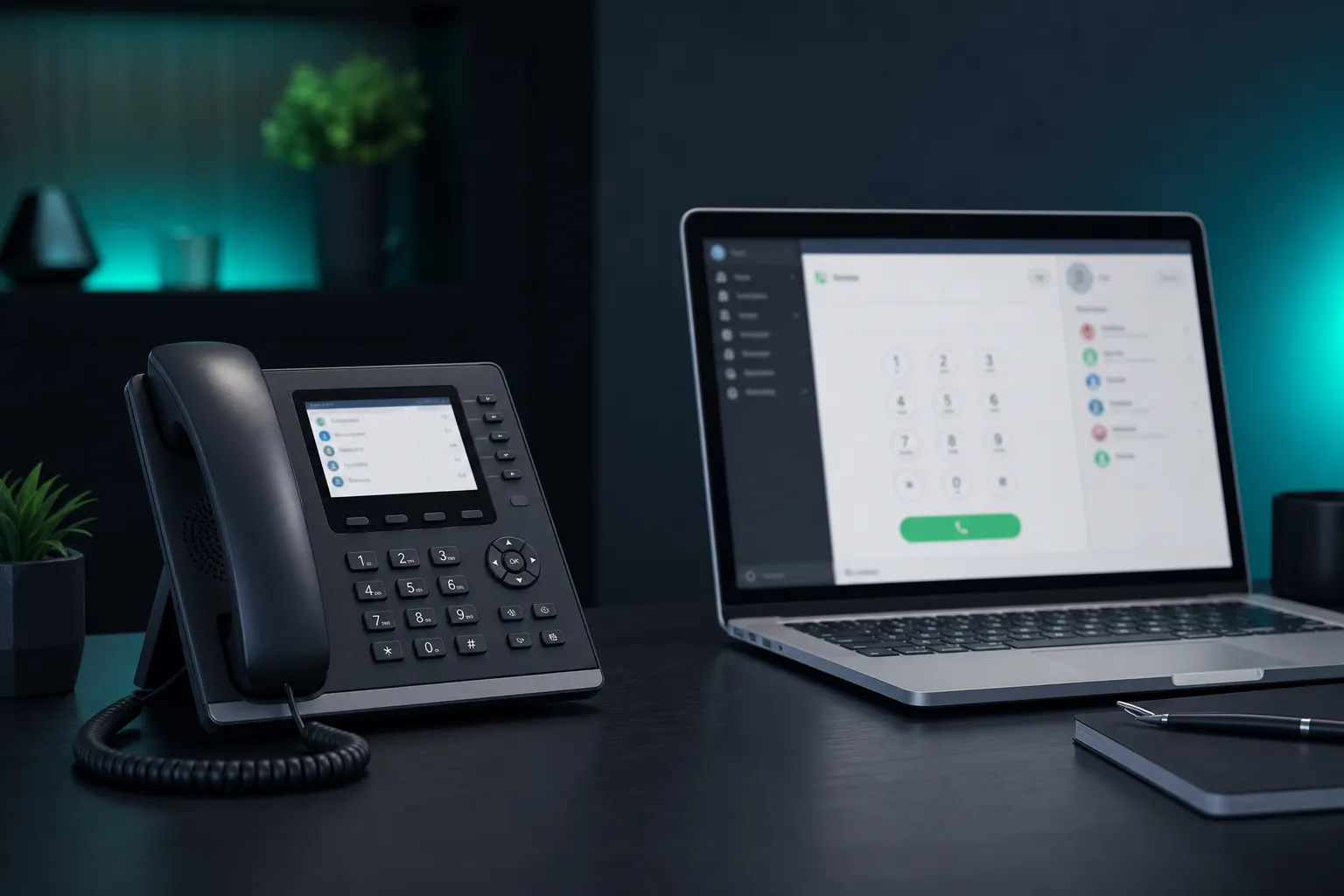
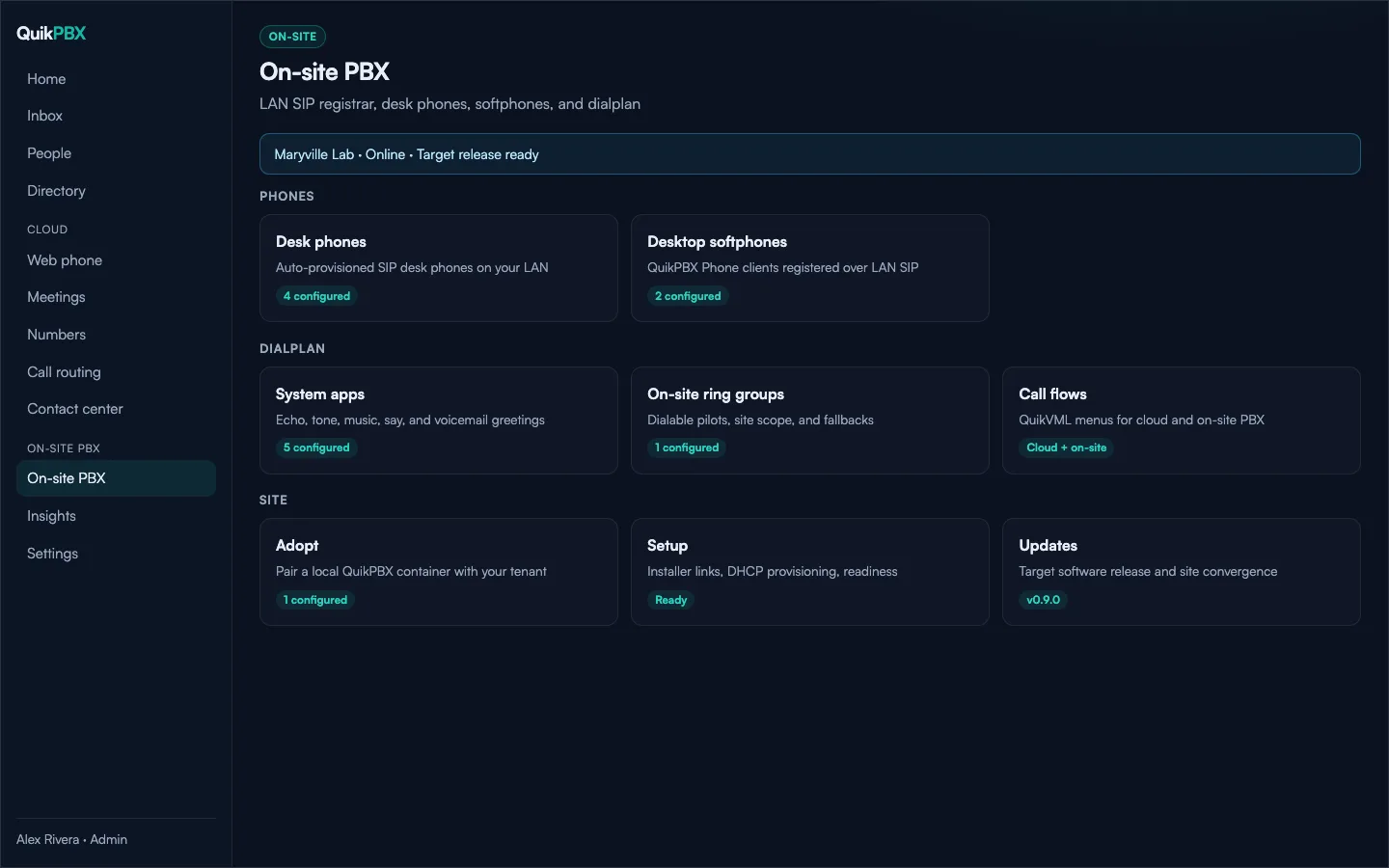
QuikPBX On-site PBX auto-provisions common SIP desk phones over HTTPS. Point DHCP option 66 or 160 at your site, adopt the PBX from the portal, and phones pull config without per-device portal logins.
How provisioning works
Your On-site PBX serves HTTPS phone configs. Phones discover the provision URL via DHCP option 66 or 160 (or a manual server URL). QuikPBX generates vendor templates for Yealink and other common SIP brands.
Typical steps
- Adopt the On-site PBX site from the portal and note the provision base URL
- Add devices (MAC / model) and assign extensions
- Point DHCP option 66/160 at the site provision host, or enter the URL on the phone
- Reboot the phone; it should register to the On-site PBX over the LAN
Softphone alternative
Prefer no hardware? Install QuikPBX Phone on a desktop on the same LAN. It registers to the On-site PBX and can receive signed updates from the edge update cache.
Try QuikPBX Free
Up to 5 extensions, 1 On-site PBX site, and optional BYO SignalWire — no QuikPBX subscription on Free.
Related guides
Free home PBX with desk phones
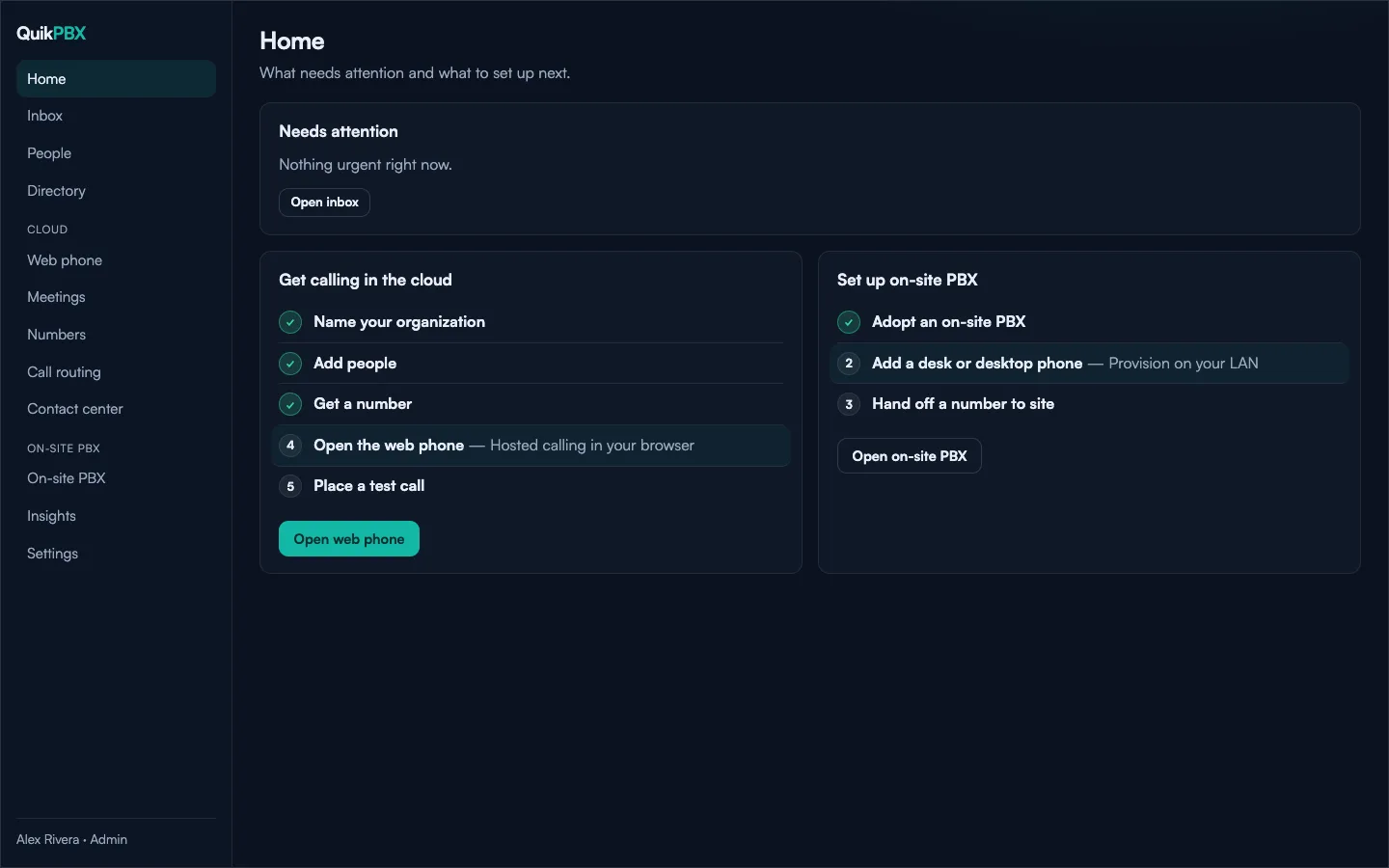
QuikPBX Free gives you a real LAN phone system for home and hobby: up to 5 extensions, one On-site PBX site, web phone, basic routing, and voicemail. Desk phones and the desktop softphone register on your network; bring your own SignalWire only if you want hosted numbers and PSTN.
On-site PBX vs cloud phone system
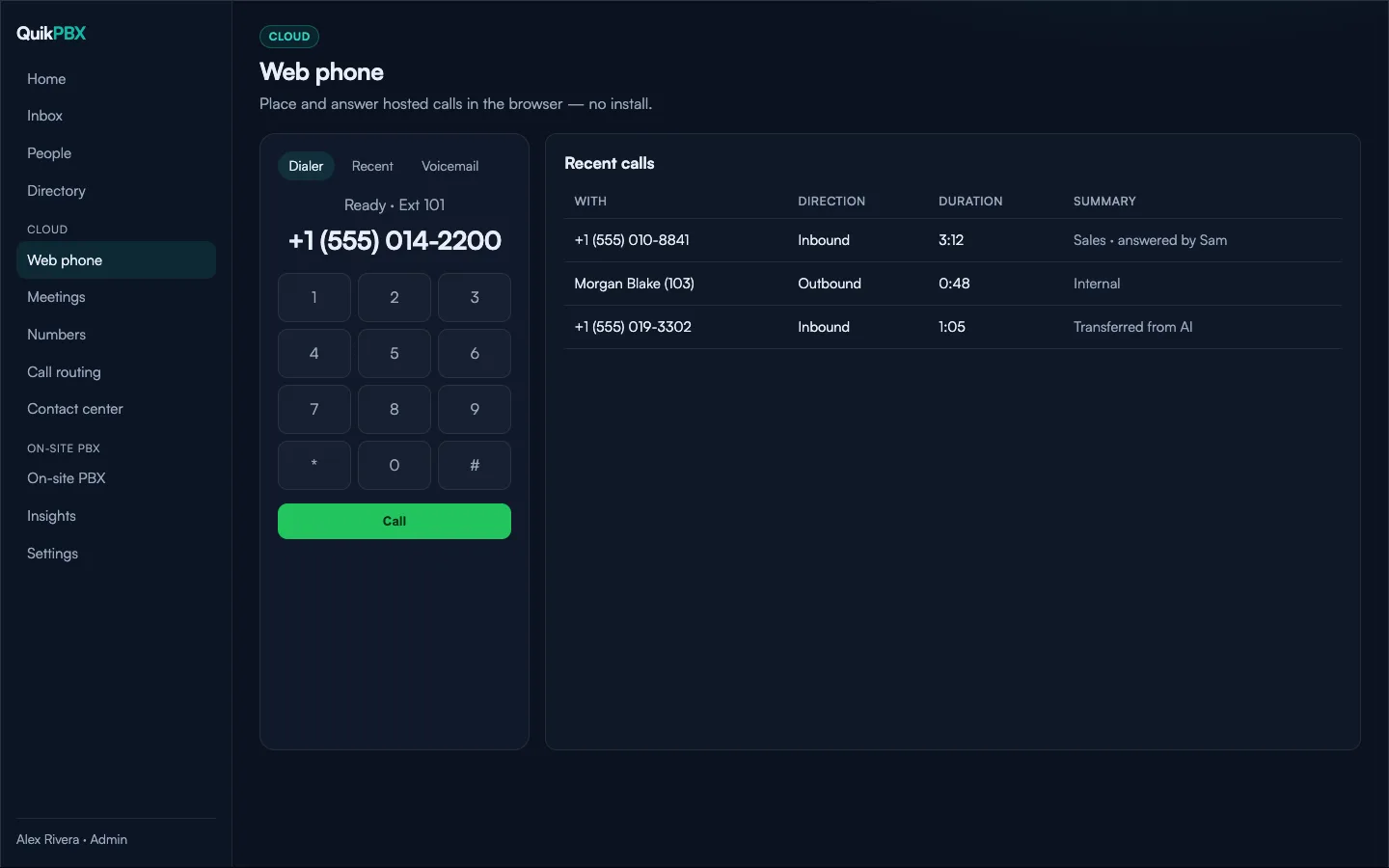
Cloud phone systems excel at browser calling and hosted numbers. On-site PBX keeps desk phones and softphones local on your LAN. QuikPBX is hybrid: one control plane for Cloud and On-site, including a Free plan that starts with on-site home use.
BYO SignalWire phone system
QuikPBX is the management plane; SignalWire Call Fabric can carry cloud media. On Free, connect your SignalWire project when you want DIDs and PSTN. On-site PBX calling on the LAN does not require SignalWire.