
Free On-site PBX for home — Cloud when you need it.
Free forever: up to 5 extensions and 1 On-site PBX site. Run desk phones and QuikPBX Phone on your LAN today — add optional SignalWire when you want hosted numbers and browser calling.
Live in three steps
No telecom project plan. Add your team, point a number, and answer the first call — from the web phone or an on-site desk phone.
Add people and extensions
Invite your team, assign extensions, and set roles. Everyone shows up in one directory — ready for Cloud or On-site PBX.
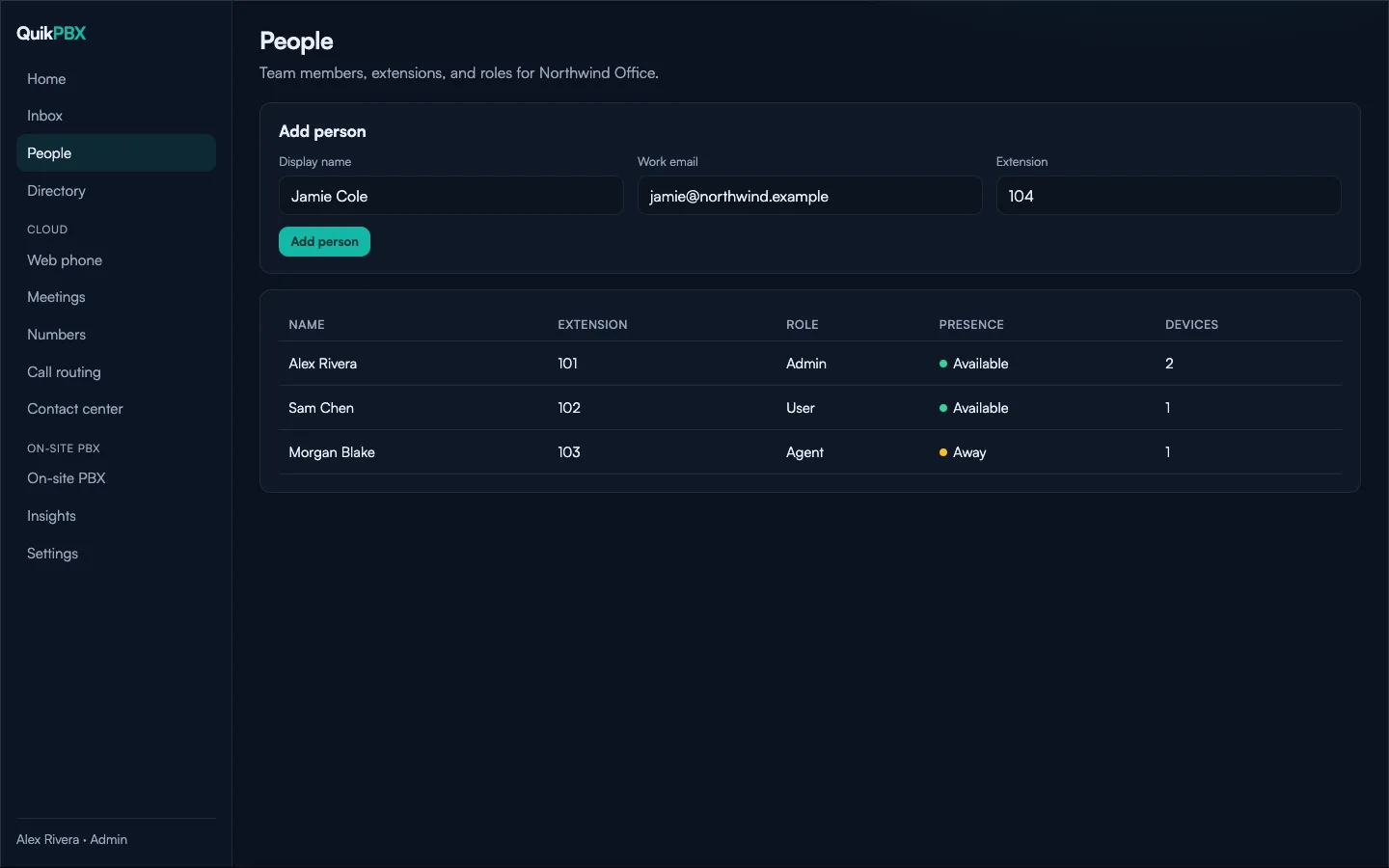
People, extensions, and presence — managed in one place.
Get a number and route the call
Attach a DID, then choose hours, QuikVML menus, ring groups, queues, or AI. Call routing stays visual and editable as you grow.
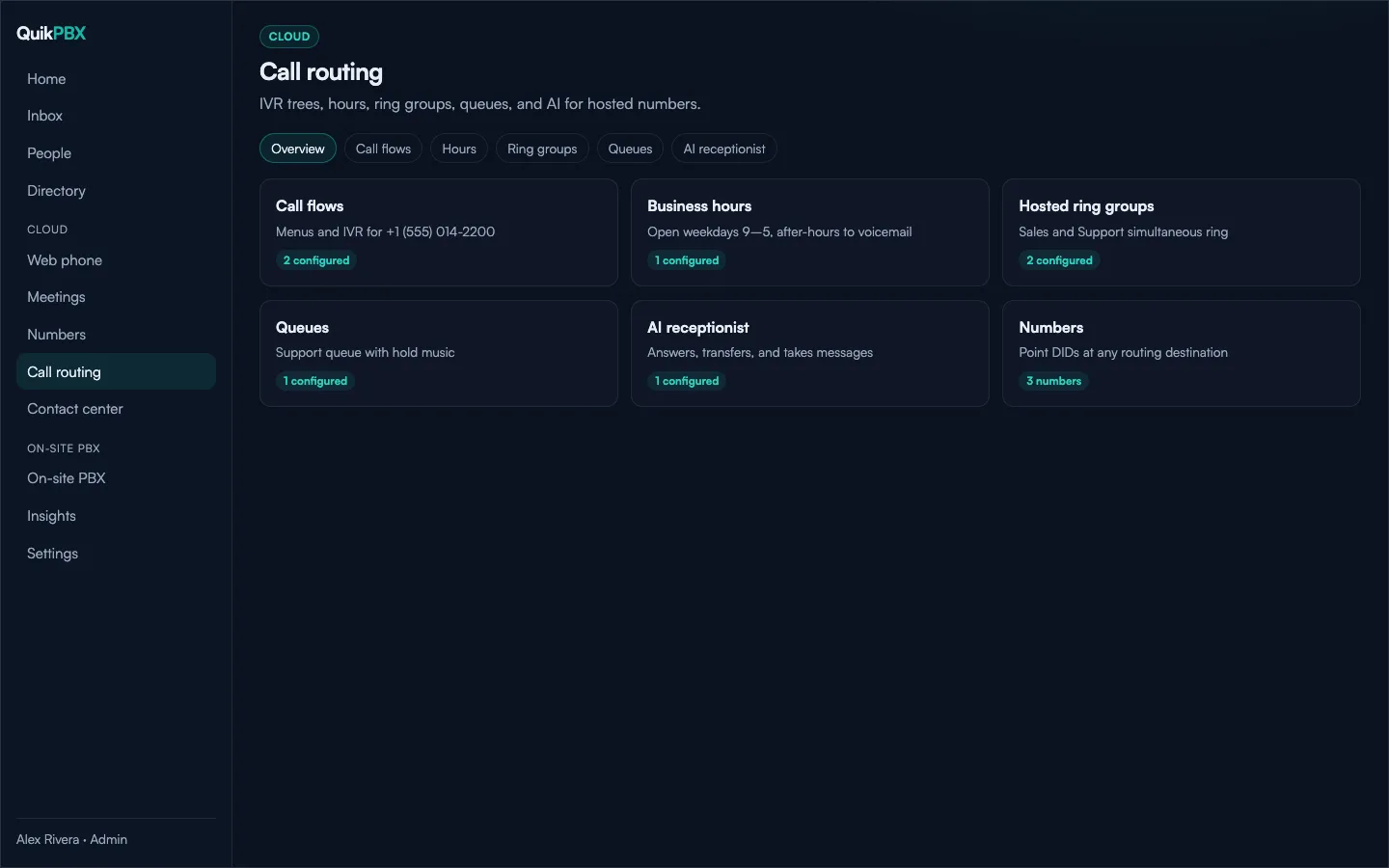
Call flows with QuikVML, hours, ring groups, queues, and AI — one routing hub.
Answer from the web phone
Mute, hold, transfer, and conference in the browser — no install. Prefer hardware? Provision desk phones on your On-site PBX next.
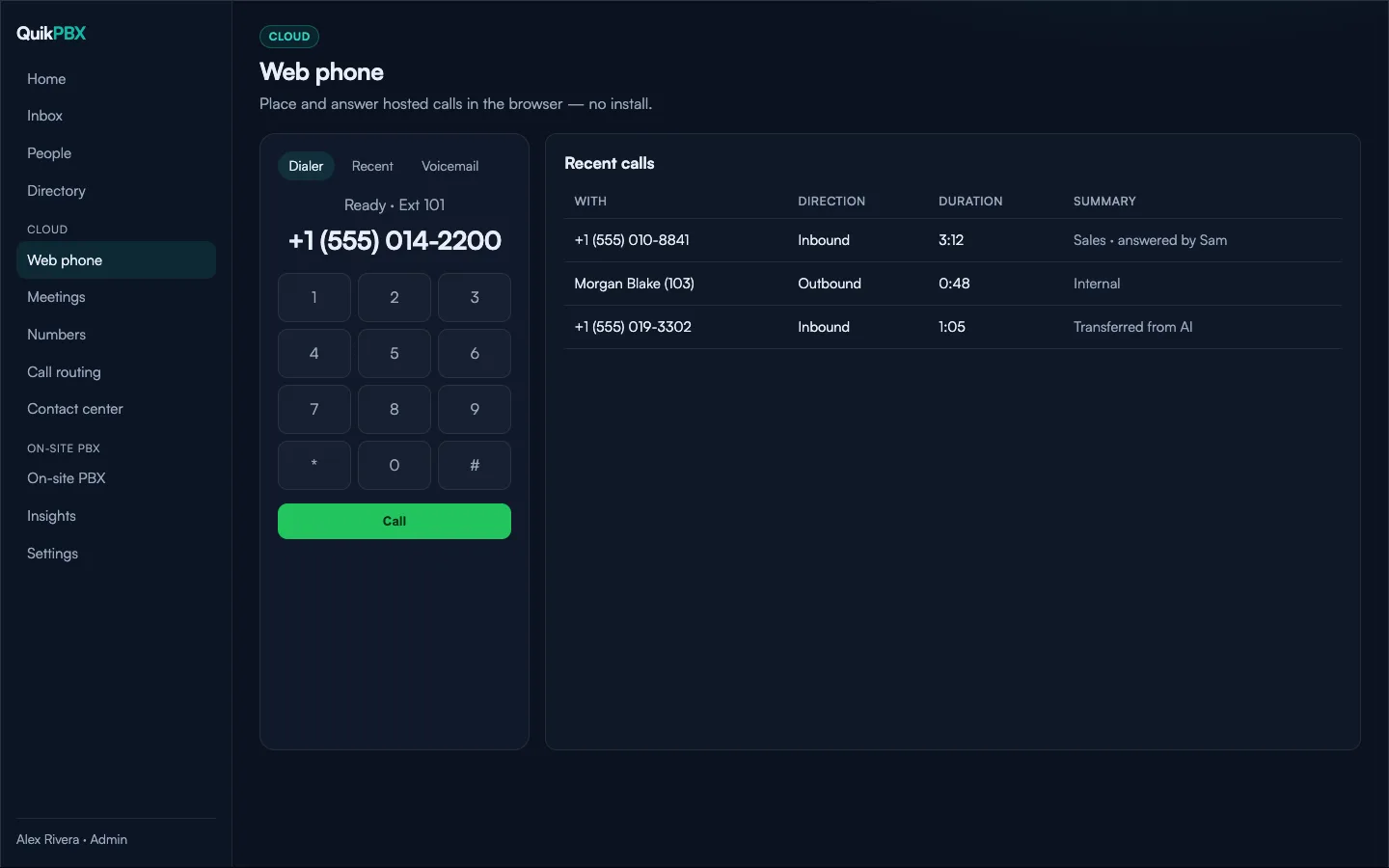
Browser calling with recent history — ready when you are.
One portal. Two ways to run phones.
Manage people, numbers, and call flows in a single workspace. Use Cloud for browser calling and AI, On-site PBX for LAN phones — or both together.
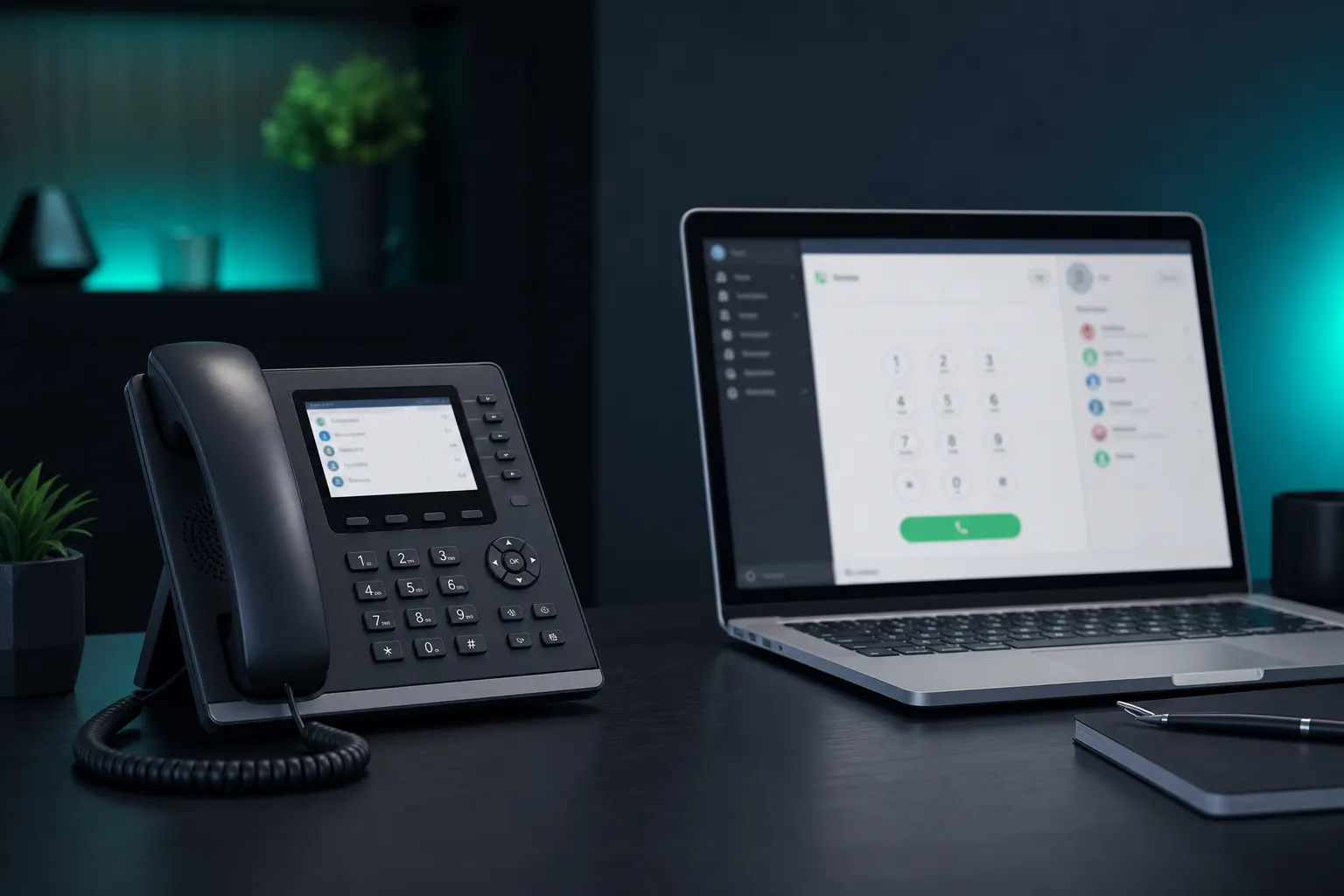
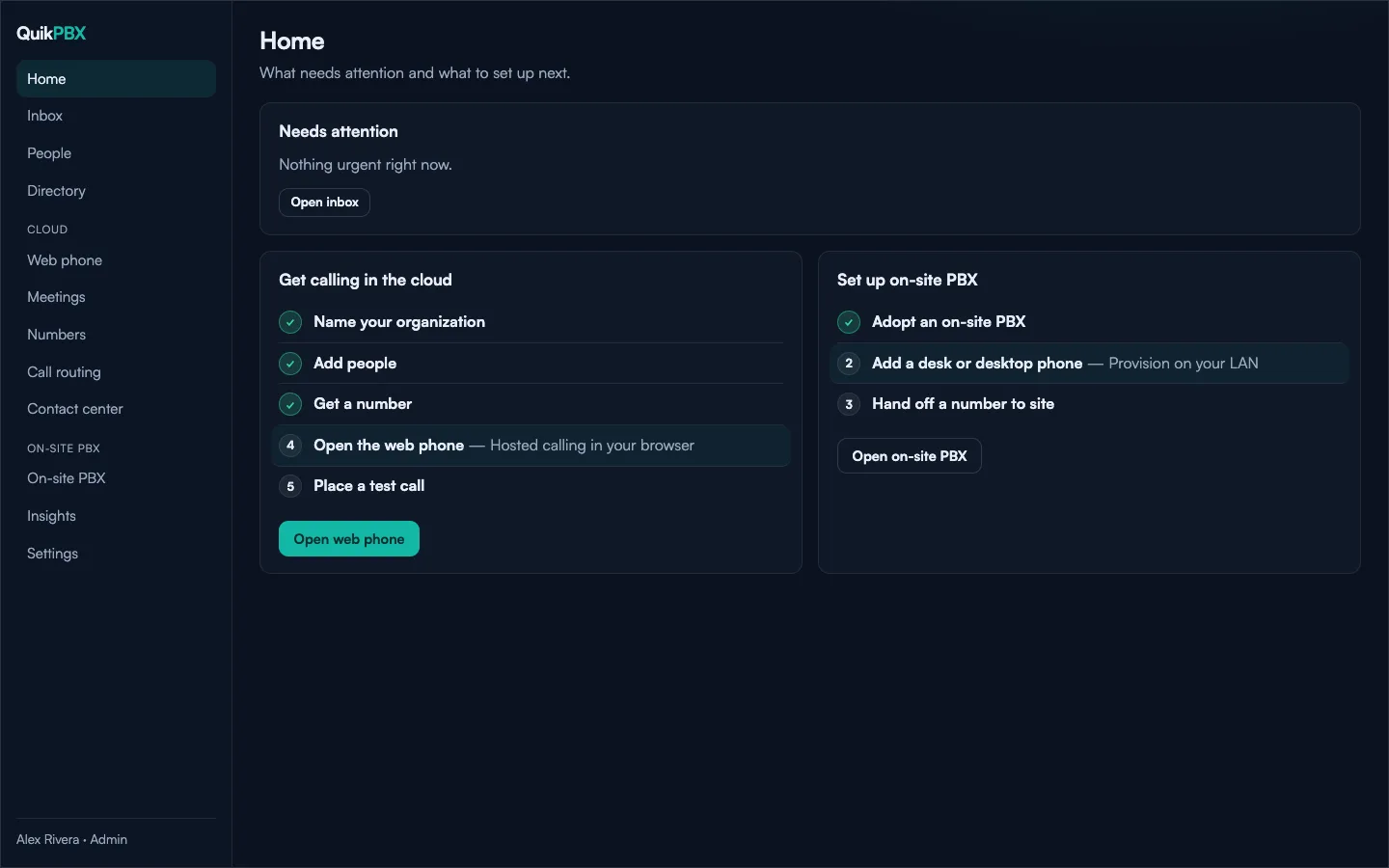
Guided Cloud and On-site checklists — then the full PBX hub when you are ready.
Built for SMBs
Extensions, numbers, business hours, and voicemail without a dedicated telecom team.
Ready for partners
White-label workspaces so MSPs can brand and manage child tenants at scale.
Cloud and on-site
Web phone and AI in the cloud; desk phones and desktop softphone on your site — one control plane.
Cloud
Answer and place calls from the browser, meet with video, and route numbers with the tools growing teams need — without racking hardware. Free includes basic routing and web phone; queues, call recording, and AI receptionist unlock on paid plans.
Web phone
Mute, camera, and keypad in the browser. Hold, transfer, and conference when you need them — no install required.
Numbers and routing
DIDs, QuikVML call flows, queues, recording, and clear call history — plus contact-center style flows when you outgrow a simple ring group.
Meetings
Video meetings and screen share for quick huddles and customer calls.
Inbox and history
Missed calls, recordings, and transcripts in one place your team already uses.
Contact center ready
Queues and agent workflows when a ring group is no longer enough.
Call flows with QuikVML
One document — visual canvas or YAML — for hosted Cloud routing and On-site PBX pilots. Build menus once; run them where the call lands.
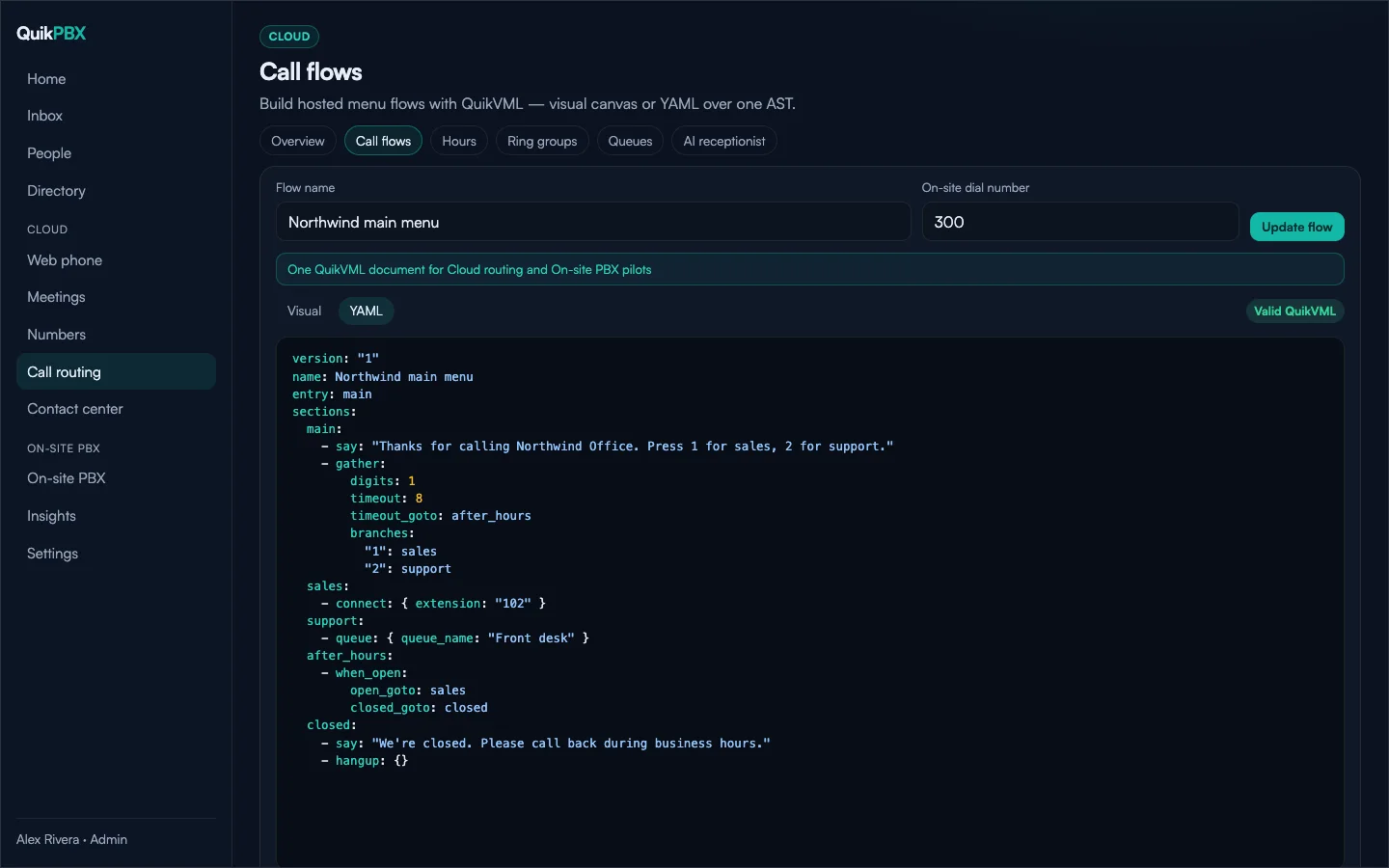
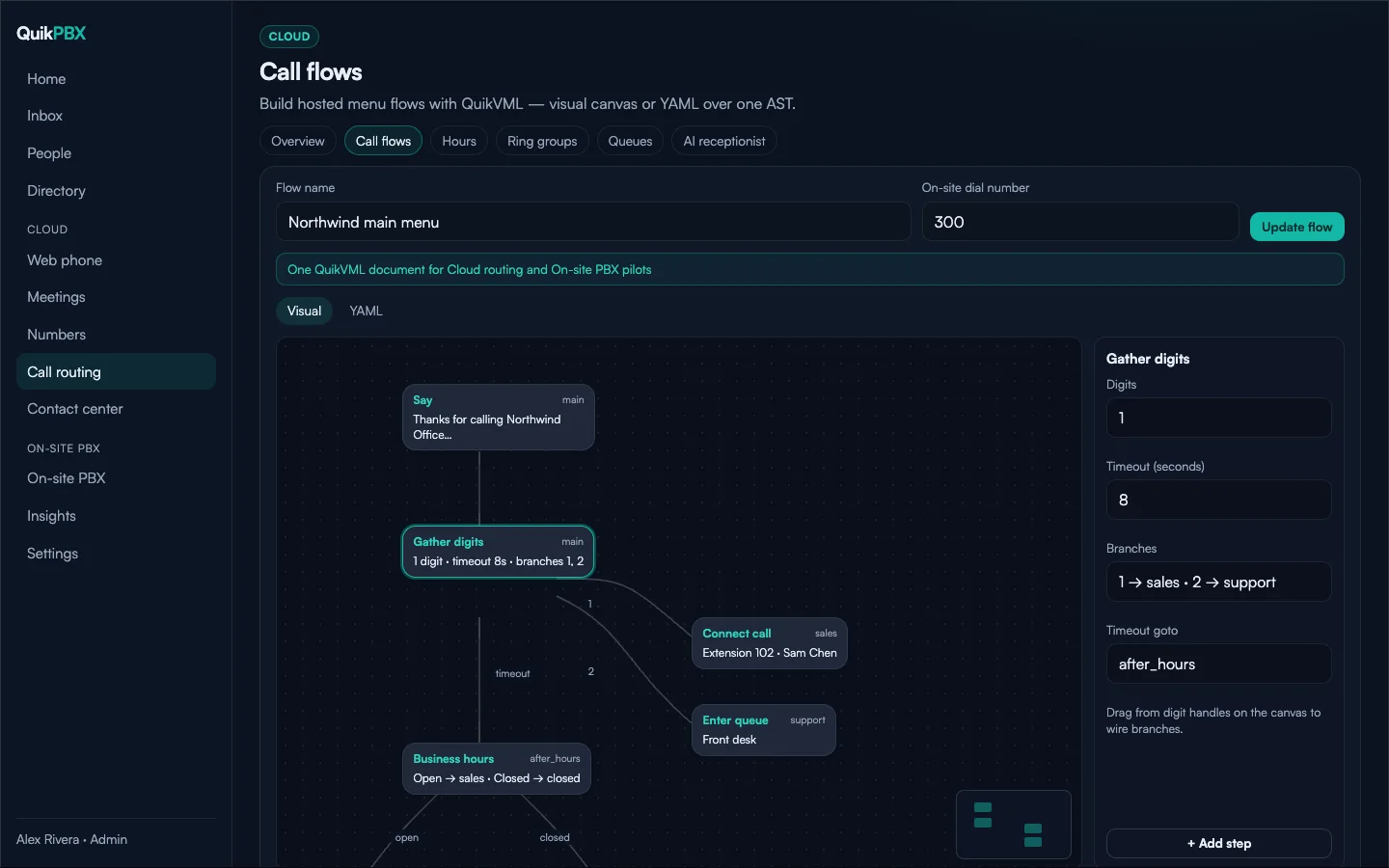
Visual canvas and Valid QuikVML YAML — same AST, your choice of editor.
Visual canvas
Say, gather, connect, queues, and hours as nodes — wire digit branches by dragging.
YAML for power users
Edit QuikVML as text with a validity badge. Visual and YAML stay in sync.
Cloud and On-site
One flow document for hosted numbers and on-site pilot dial-in — no duplicate menus.
On-site PBX
Keep calling local when it matters. Provision desk phones and run the QuikPBX Phone desktop softphone on your LAN — managed from the same portal.
Phones, dialplan, and site — grouped
Desk phones, desktop softphones, ring groups, call flows, trunks, and updates live under one On-site PBX hub. Adopt a site, then grow without leaving the portal.
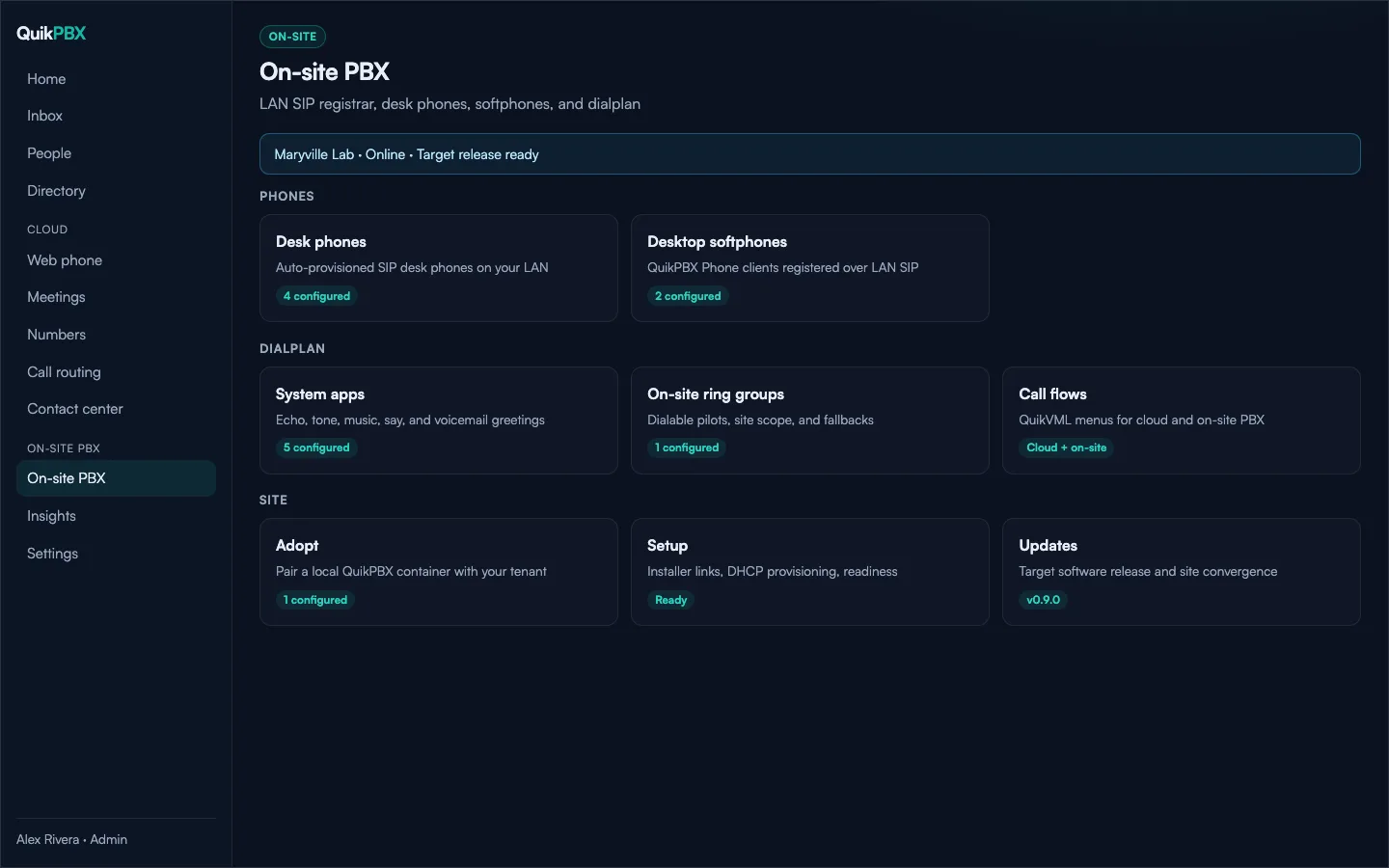
LAN SIP, provisioning, and dialplan — centralized configuration.
Desk phones
Yealink, Poly, Grandstream, Cisco MPP, Fanvil, and Snom with HTTPS auto-provisioning.
Desktop softphone
QuikPBX Phone registers to your On-site PBX over the LAN — built for desks that stay on site.
Site-local reliability
Keep site calling on your network while portal configuration, people, and updates stay centralized.
AI receptionist
On paid plans, point a number or QuikVML step at an agent. It answers with your greeting and knowledge base, then transfers, takes voicemail, or schedules a callback — with a transcript after every conversation.
Not included on Free.
See paid plans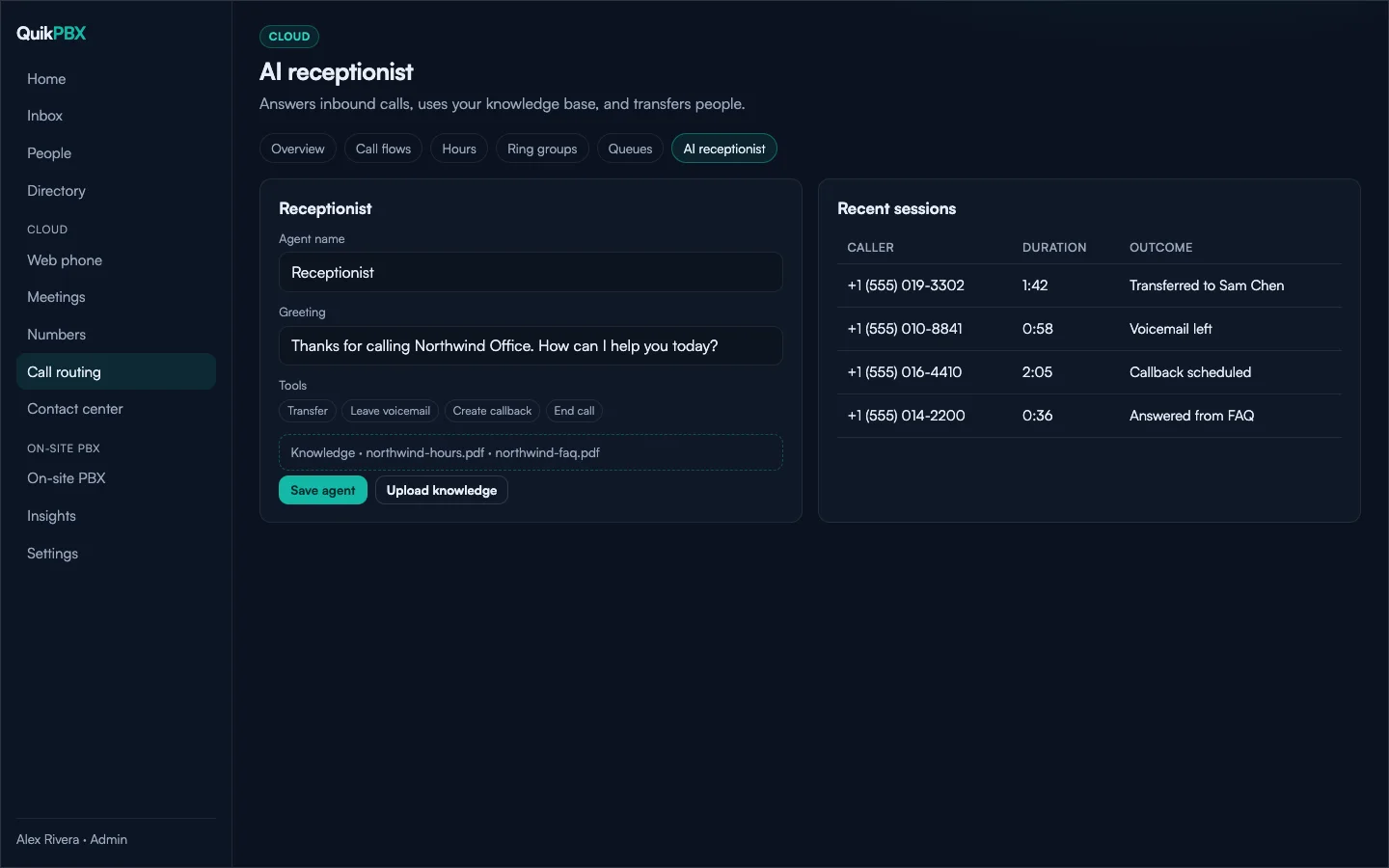
Greeting, tools, and knowledge — then outcomes like transfers and callbacks.
White-label for partners
MSPs get a partner workspace, brand packs, child tenants, and number pools — one platform, your brand.
Open partner workspacePricing
Start free for home and hobby, or upgrade per extension when you need recording, queues, or AI. Free needs your own SignalWire project for hosted calls — PSTN and AI minutes bill to SignalWire. See full details on Free and Pricing.
Free
$0 forever
Home and hobby — up to 5 extensions, web phone, basic IVR and voicemail, plus On-site PBX (1 site). Bring your own SignalWire.
Create free accountPaid
Per extension
Queues, call recording, AI receptionist, and more seats for growing teams.
Compare paid plansLarger teams
Talk to us
Multi-site rollouts, partner white-label, SSO/SAML on request, and hands-on onboarding for organizations that outgrow self-serve billing.
Contact salesContact sales
Tell us about your setup — Cloud, On-site PBX, or both — and we'll follow up from the QuikPBX inbox. For Free (up to 5 extensions), create an account.