BYO SignalWire phone system
QuikPBX is the management plane; SignalWire Call Fabric can carry cloud media. On Free, connect your SignalWire project when you want DIDs and PSTN. On-site PBX calling on the LAN does not require SignalWire.
What BYO means
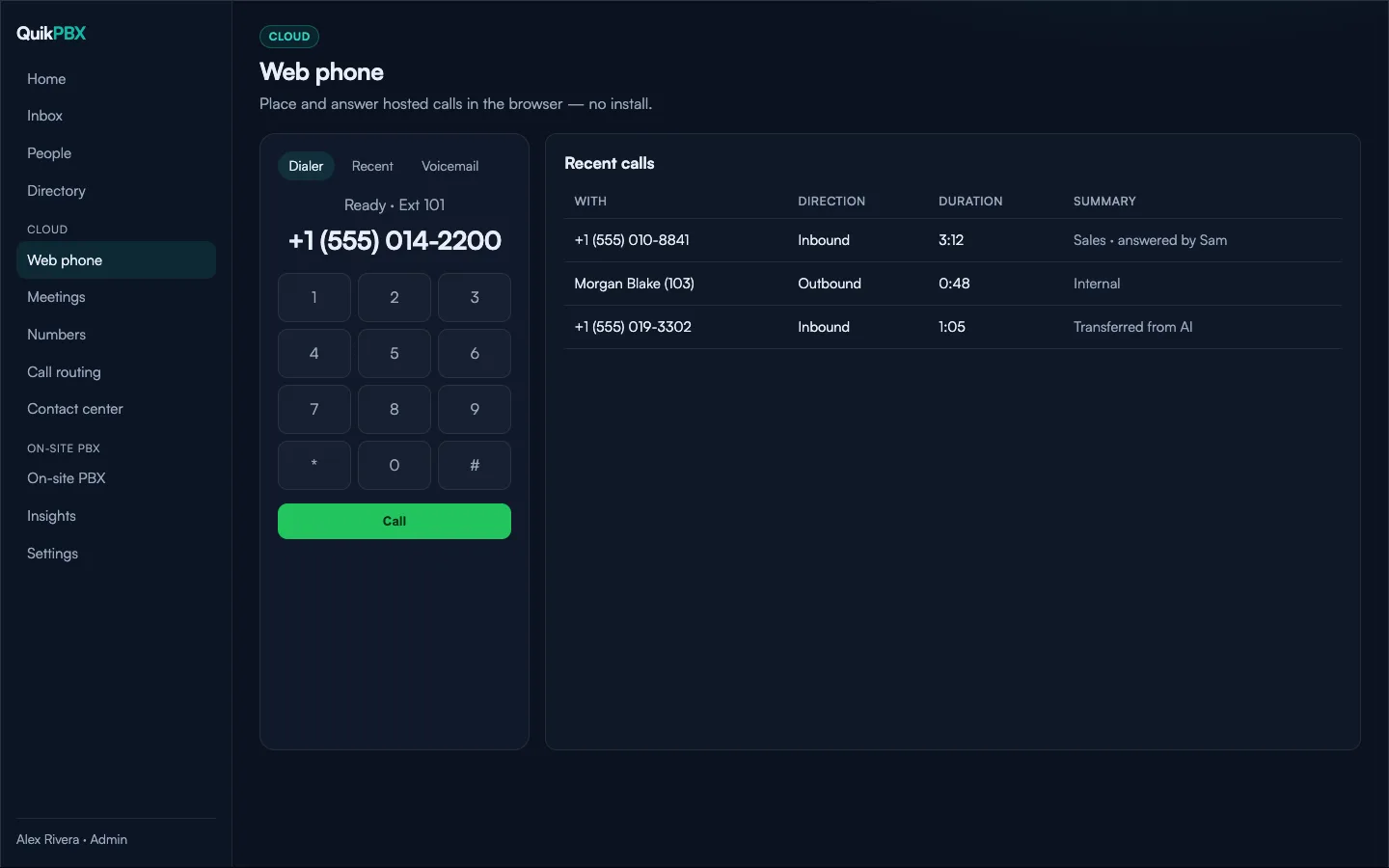
You own the SignalWire project and its billing. QuikPBX stores project credentials and manages subscribers, numbers, and routing through the portal. Minutes and number fees appear on your SignalWire invoice.
Free + SignalWire
On Free you may attach one DID (within plan limits) once SignalWire is connected. Web phone and hosted routing use that project. AI and recording remain paid QuikPBX features even if SignalWire is connected.
LAN without SignalWire
Skip SignalWire entirely if you only need On-site PBX extensions on the LAN. Cloud checklist steps stay optional until you are ready for public numbers.
Try QuikPBX Free
Up to 5 extensions, 1 On-site PBX site, and optional BYO SignalWire — no QuikPBX subscription on Free.
Related guides
Free home PBX with desk phones
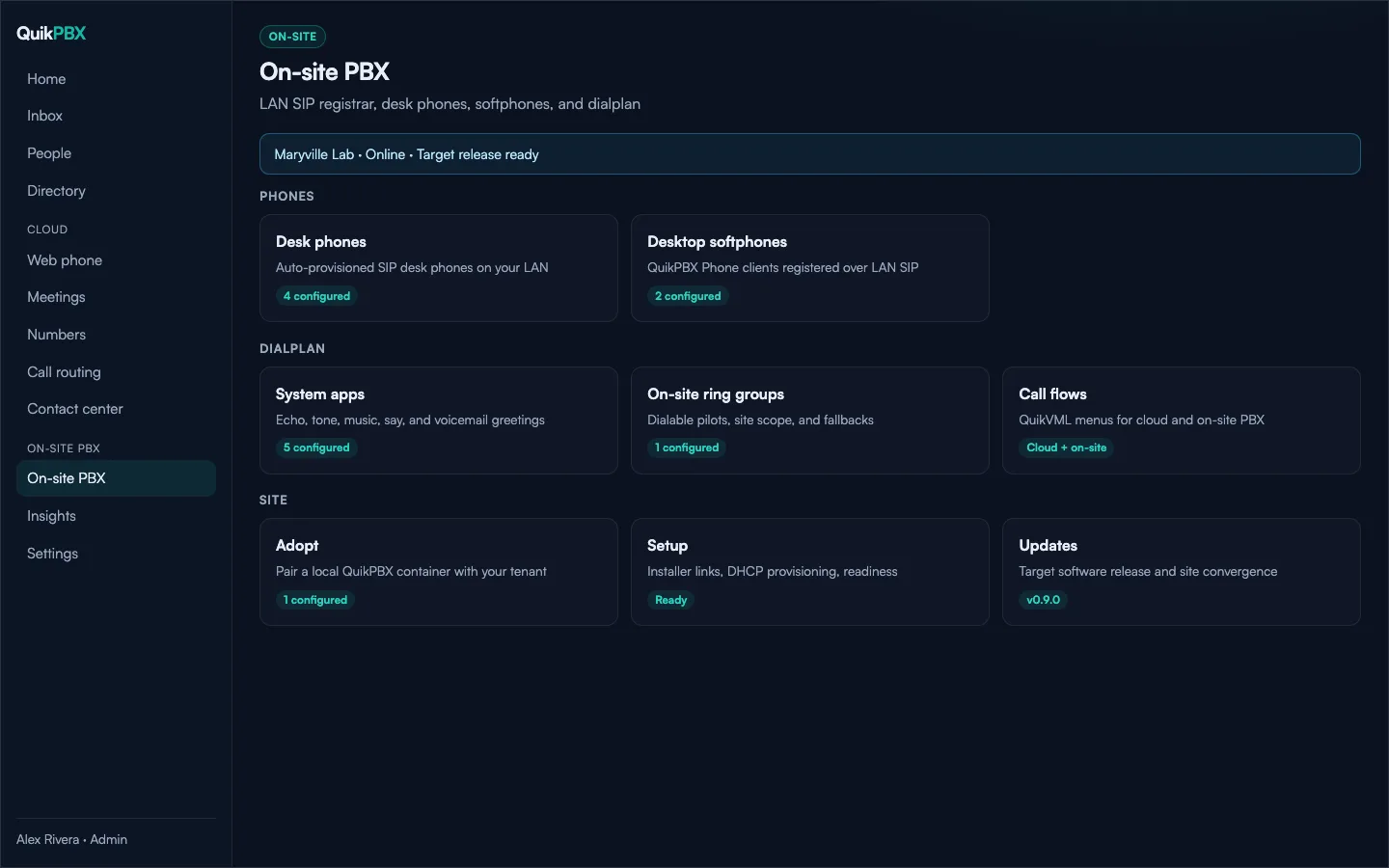
QuikPBX Free gives you a real LAN phone system for home and hobby: up to 5 extensions, one On-site PBX site, web phone, basic routing, and voicemail. Desk phones and the desktop softphone register on your network; bring your own SignalWire only if you want hosted numbers and PSTN.
Yealink and multi-vendor desk phone provisioning
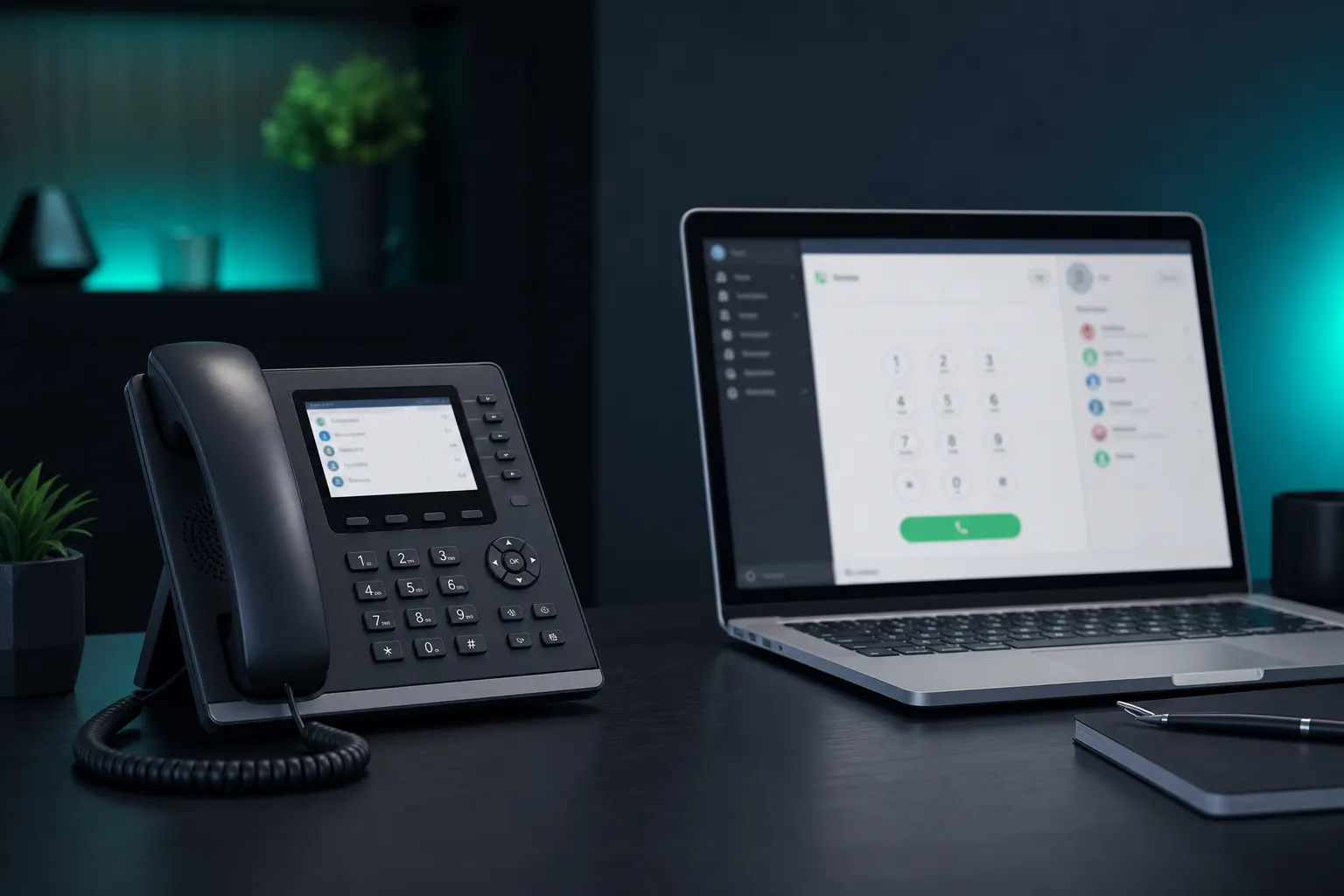
QuikPBX On-site PBX auto-provisions common SIP desk phones over HTTPS. Point DHCP option 66 or 160 at your site, adopt the PBX from the portal, and phones pull config without per-device portal logins.
On-site PBX vs cloud phone system
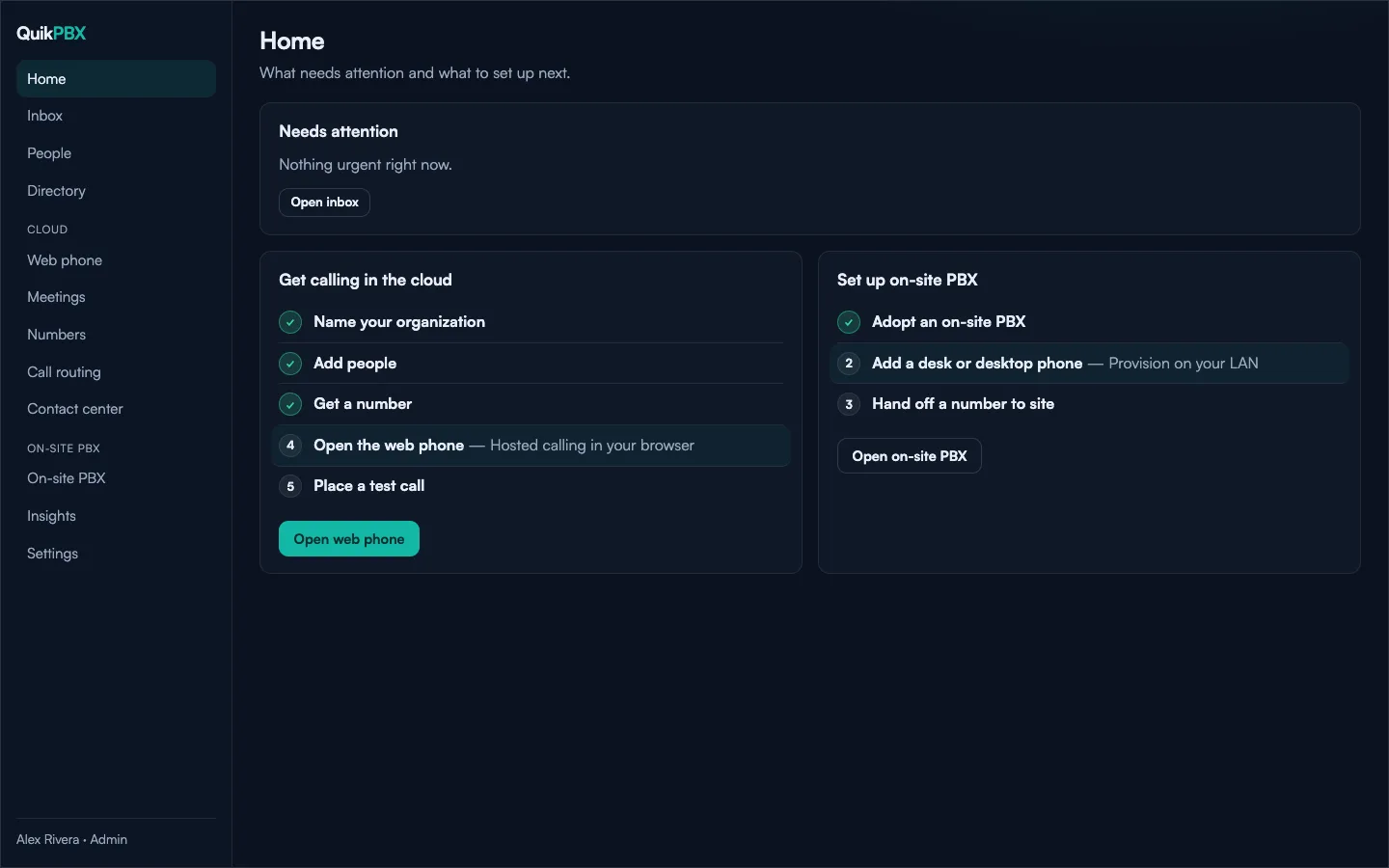
Cloud phone systems excel at browser calling and hosted numbers. On-site PBX keeps desk phones and softphones local on your LAN. QuikPBX is hybrid: one control plane for Cloud and On-site, including a Free plan that starts with on-site home use.